Know Your PC.One Scan.One Clean Report.
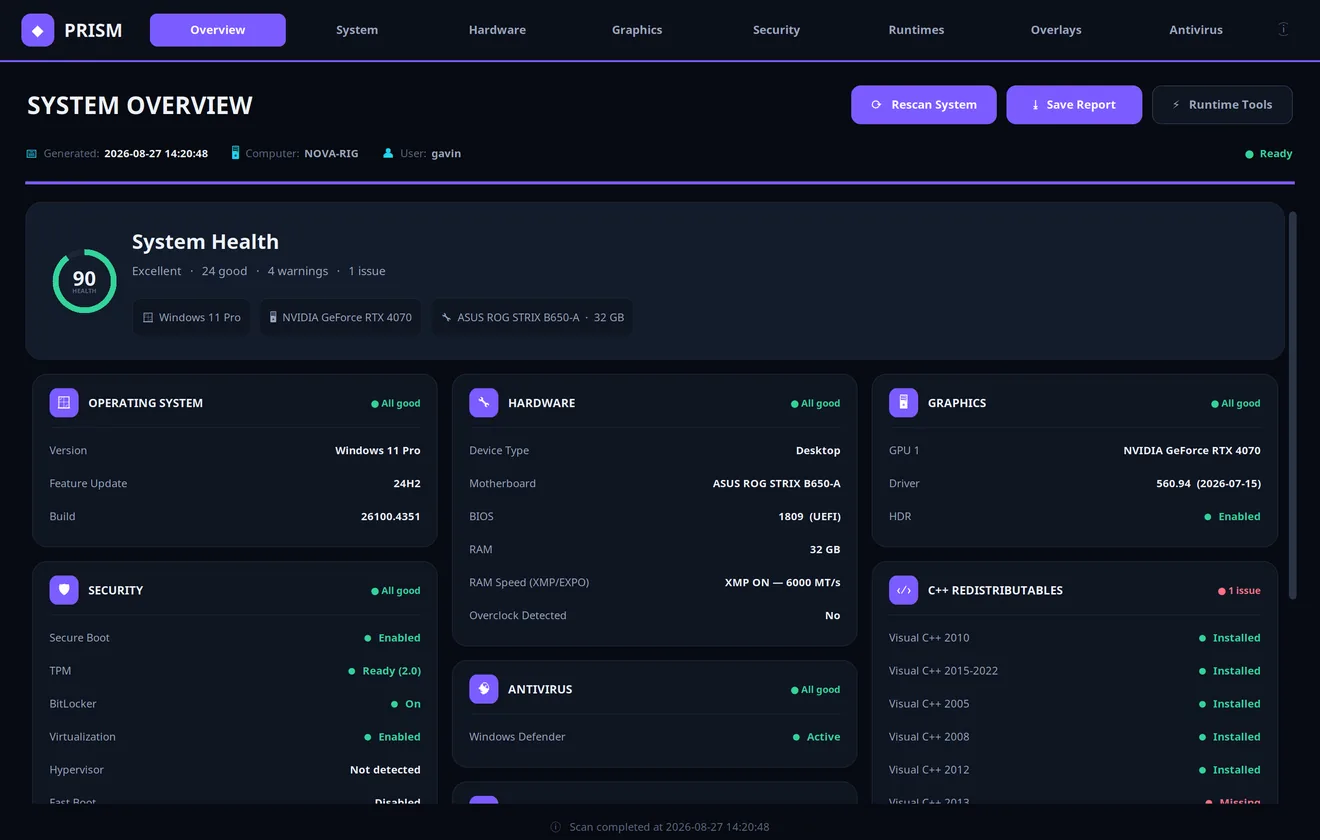
Prism runs a deep diagnostic sweep of your whole Windows machine in a single click — hardware, security posture, antivirus, DirectX, C++ runtimes and the gaming overlays that steal your frames — then grades it into one System Health score and a bento dashboard you can actually read, and export in seconds. Fully offline; nothing leaves your PC.
$30 = a 30-day licence · download link + unlock code by email
Everything It Checks
Eight report categories — the same things a technician looks for first, gathered automatically.
Windows build, motherboard, BIOS & mode, RAM and XMP/EXPO state, device type — plus overclock indicators.
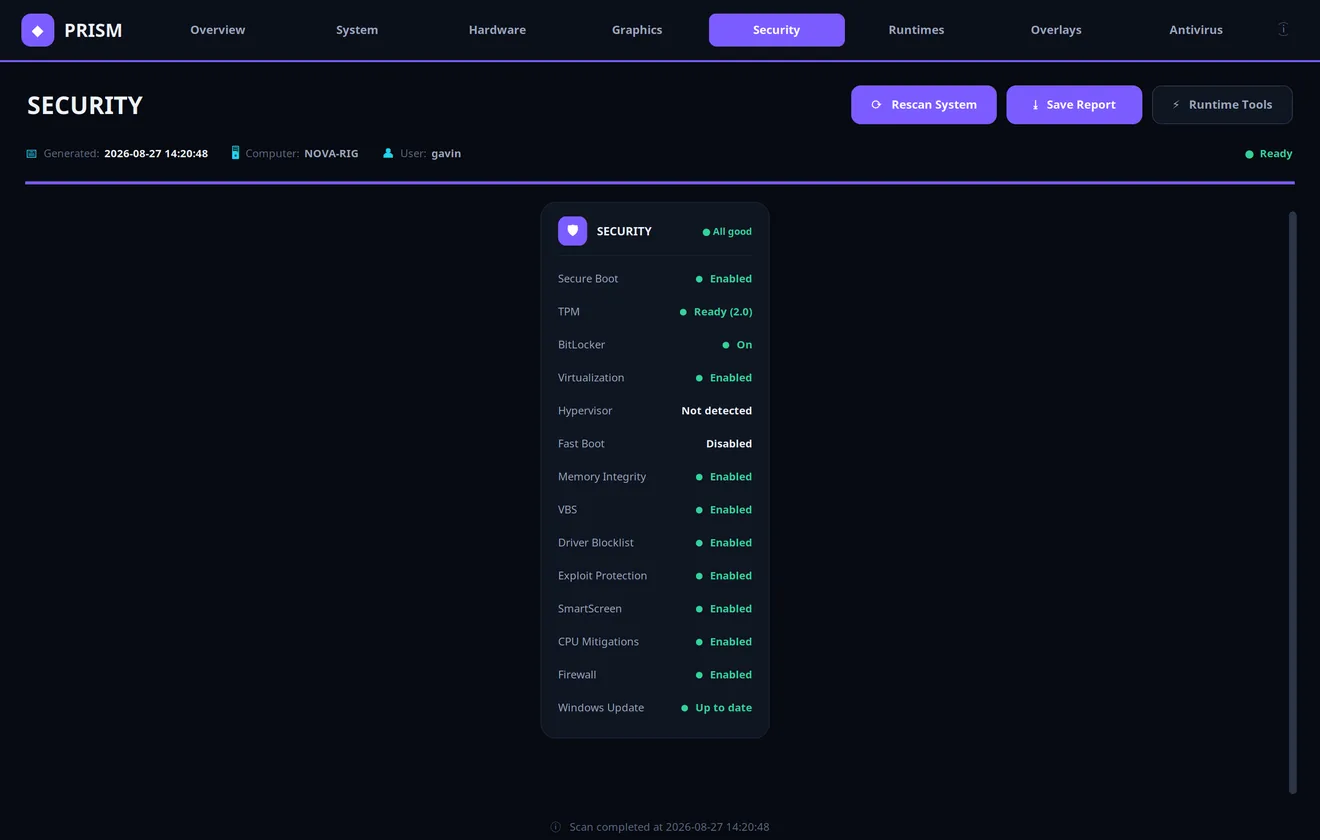
Secure Boot, TPM, BitLocker, virtualization, Memory Integrity, VBS, SmartScreen, firewall, Windows Update — 14 checks at a glance.
Every GPU with driver version and date, HDR state, and DirectX 9 through 12 presence.
Windows Defender state plus detection of 12 third-party AV products and whether they’re actually enabled.
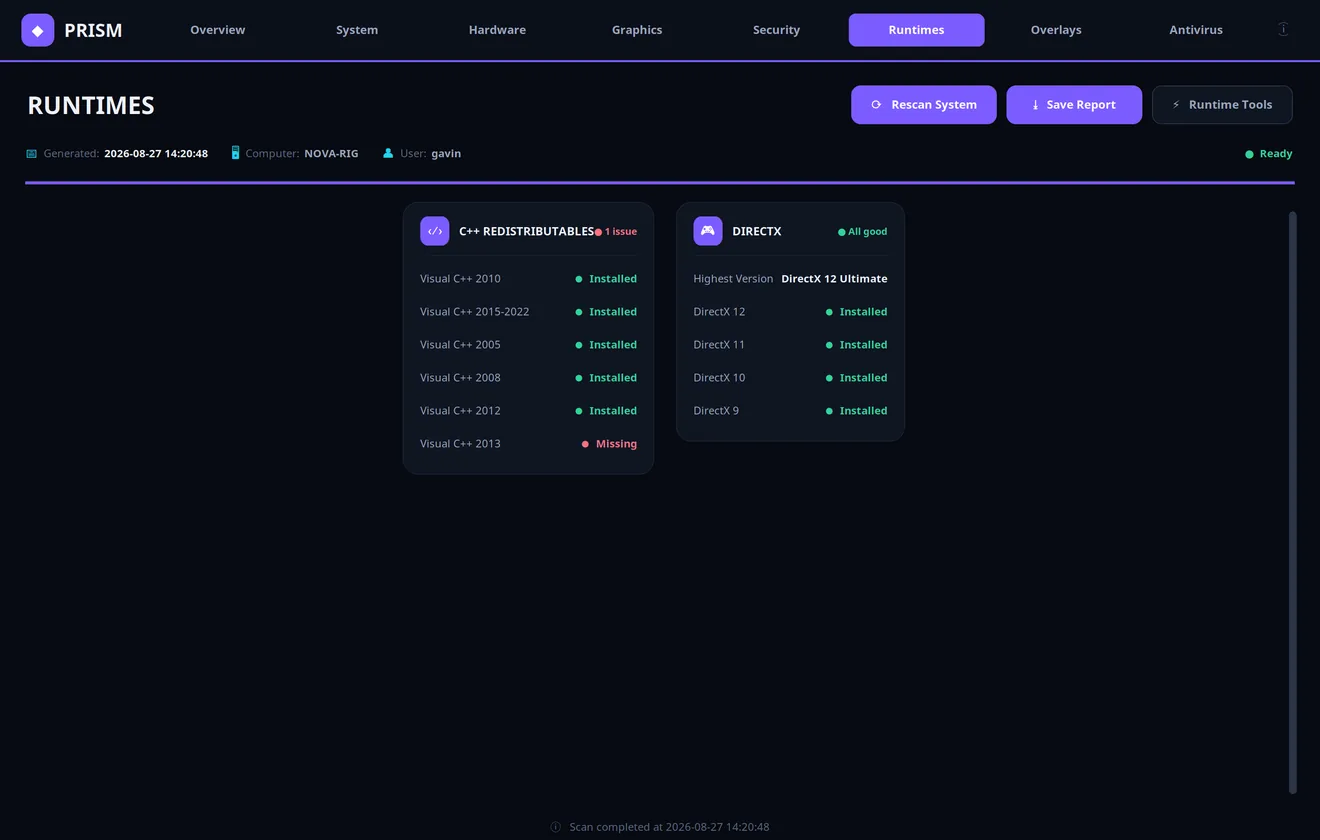
Visual C++ redistributables 2005–2022 — installed or missing, the #1 cause of “this app won’t start”.
Game Bar, Xbox Game Bar, NVIDIA, Discord and Steam overlays — the quiet FPS thieves, flagged when enabled.
See It In Action
The actual interface — shown here with sample report data.
How It Works
From purchase to report in minutes.
Secure card checkout (Apple Pay and Google Pay supported). No account needed.
We email your download link and personal unlock code to the address you used at checkout.
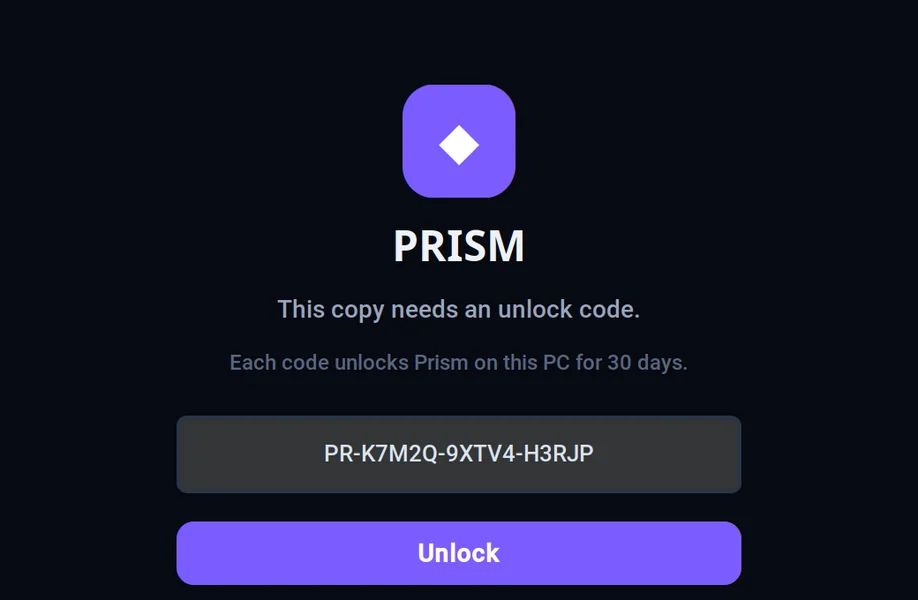
One portable EXE for Windows 10/11. Enter your unlock code once and you’re in for 30 days on that PC.
Click Scan System, get the full report, save it as a file — perfect before selling a PC, after building one, or when something feels off.
Get Mini Checker
One licence, one PC, 30 days — everything unlocked.
Full diagnostics dashboard · exportable reports · built-in Runtime Tools installer · unlock code delivered by email · Windows 10/11.
Buy Now — Secure CheckoutCard · Apple Pay · Google Pay · Link — secured by Stripe. Need another way to pay? Contact us.
Questions & Answers
The short version of everything you might ask.
What exactly do I get for $30?
A download link for the Prism Windows app and a personal unlock code. The code activates the app on one PC for 30 days — every feature included: the full diagnostics dashboard, exportable reports and the built-in Runtime Tools installer.
What happens after 30 days?
The app locks and asks for a new unlock code. If you want another 30 days, just purchase again — your settings and nothing else on your PC are touched.
Does it install anything or run in the background?
No. It’s a single portable EXE. Nothing scans, downloads or asks for administrator access until you explicitly click — and it doesn’t run in the background or start with Windows.
Which Windows versions are supported?
Windows 10 and Windows 11. The app is Windows-only.
How fast do I get my download after paying?
Your download link and unlock code are emailed to the address you used at checkout, normally within a few hours and often much faster. Anything unclear — email admin@vibreon.dev and we’ll sort it out.
Can it fix the problems it finds?
Prism’s built-in Runtime Tools can install missing DirectX, Visual C++, .NET and XNA components. For anything deeper, its report pairs perfectly with our Remote PC Support — you’ll already know exactly what’s wrong.